The GSAP ScrollTrigger Pinning Problem
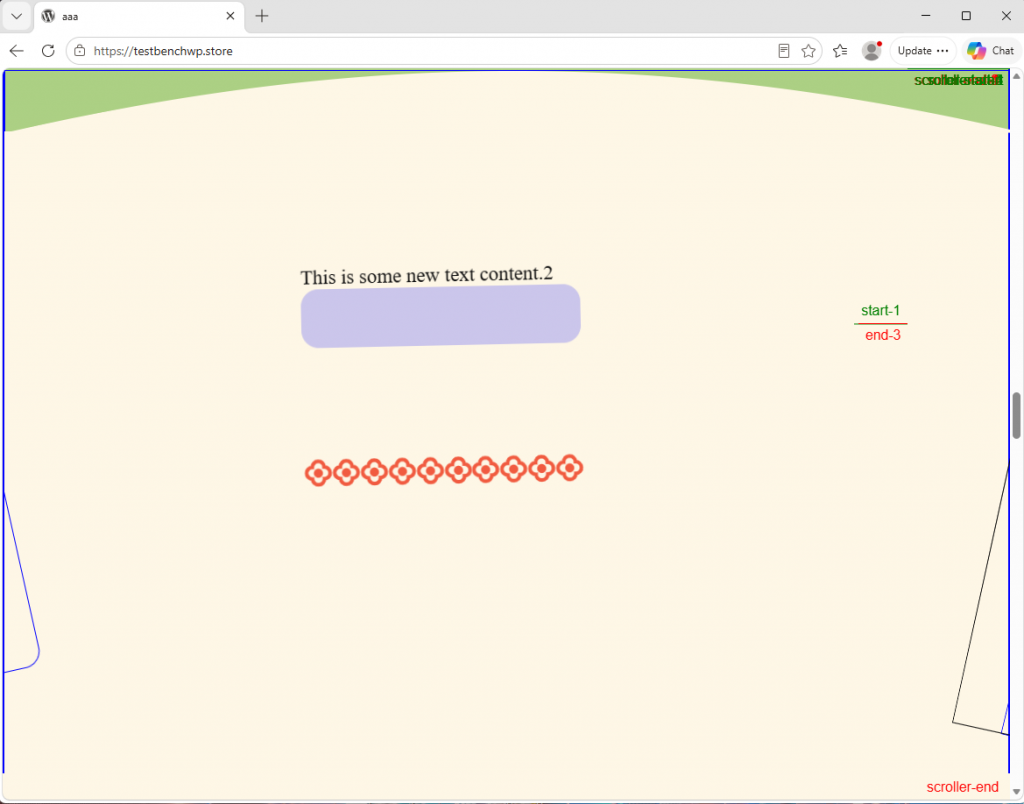
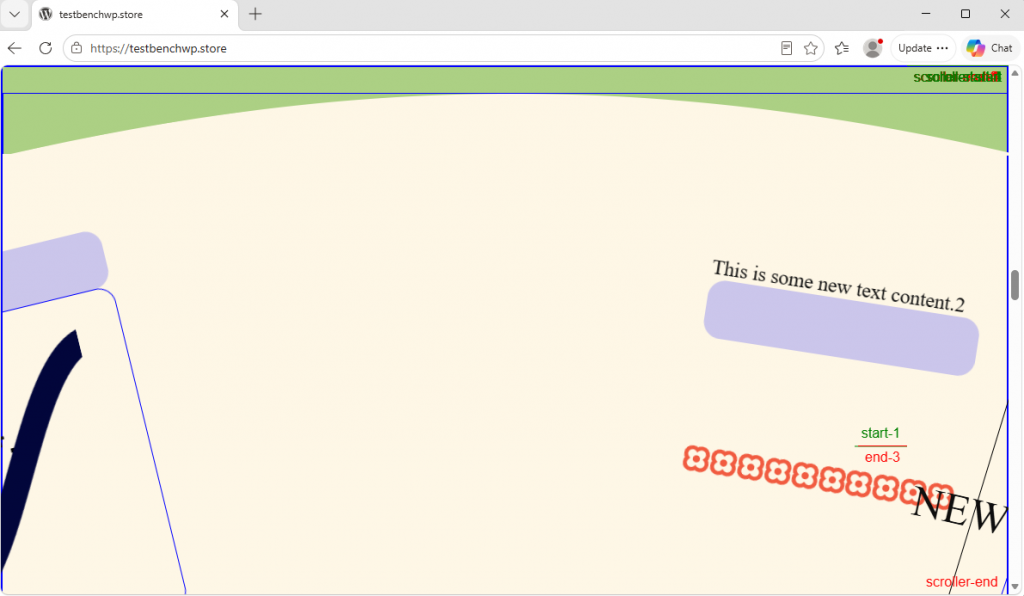
I have another cool demo to talk about. This one has to do with a GSAP Scrolltrigger that pin’s a hero element to the top of the page. The goal of the bottom element is to represent a spinning wheel. Therefore, the background elements have to be colored so that there is a curve in the top part of the element where the top of the curve reaches the top of the screen. To be able to “pin” the topmost element while entering a Scrolltrigger, you can pin on that element. You need a wrapper element that blends with the the green of the upper element and sits behind the svg curved whoosh. That way, you can make the curve sit above the lower main element.
Available for pre-order now.
Positioning the Curved SVG and Main Element
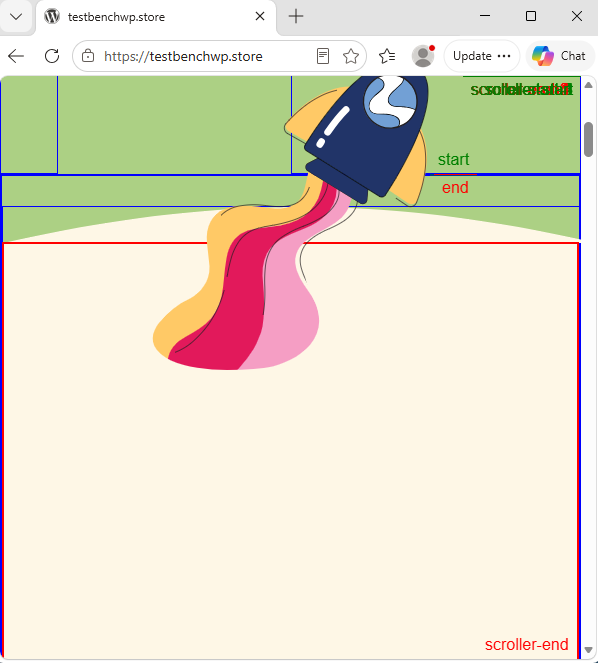
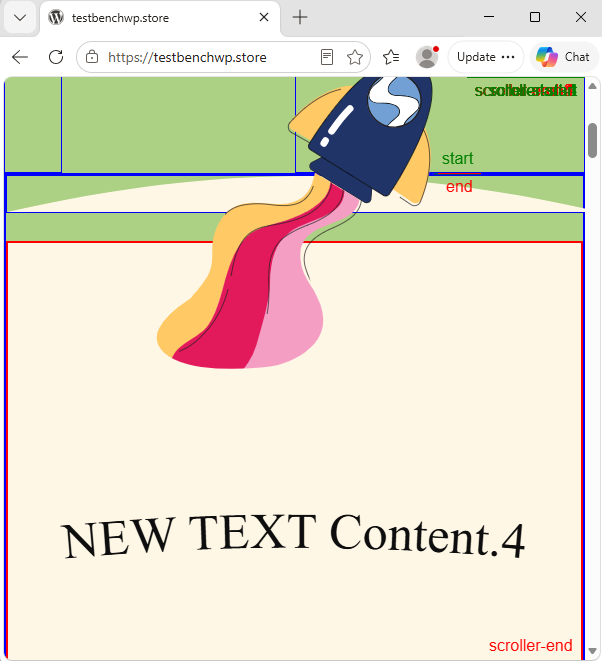
So, next you pull down the lower main element. You are pulling it below the curve and the wrapper container. You also pull down the svg, otherwise it would look like this. But you are still pinned on the “upper” green element because that is the element holding the svg file. If you tried to pin on the lower main element, you would be below the curve entirely. But we want to pin on the top of the curve exactly to make the entire screen look like a wheel. The next problem is that the pin catches the wrapper element, which sits above the curve. The next thing to do is to change where the Scrolltrigger pins. You can use a mixture of the viewport placement, as well as pixel values. If you pin at “top -30px”, you are pinning when the top of the viewport reaches the top of the screen, but 30 pixels higher. After that, I want to change the height of the main element, so that it is not too tall and hanging down over the bottom.
Available for pre-order now.
The Responsive ScrollTrigger Solution
Look! Now i can resize the screen, and the green pinning element is still pinned in the correct place. You can see in the image the effect of a resized window. The solution is to do three seperate steps:
- Make the bottom “main” element to have a CSS top property of exactly calc(6vw + 30px);
- Make the Scrolltrigger pin the top element, with a trigger on that same element. Also give it a start property of exactly “top -30px”
- Make the bottom “main” element to have a CSS height property of exactly calc(100% – 6vw – 30px);
What do these properties do and why use the numbers? You have to fit the curved SVG file into top of the frame. So the top of the “main” element has to be pushed down some. You use 6vw for the height of the SVG. If the screen gets very narrow, you will see the SVG start to flatten out and not look right. The main element will be too far on top of the curve and not enough below the upper green area. If you add 30px, then the curved element displays properly, and you can recognize it on narrow screens.